Install in a tap
Open your activation link, then Add to Home Screen on iPhone or iPad, or Install in Chrome or Edge on a computer.

Coaches Office HQ · Two sports
FOOTBALL+BASKETBALL
A separate command center for each season
Basketball coaching office
Plays, lineup cards, playing time, game plans, practice and your whole season in one command center, painted in your team colors.
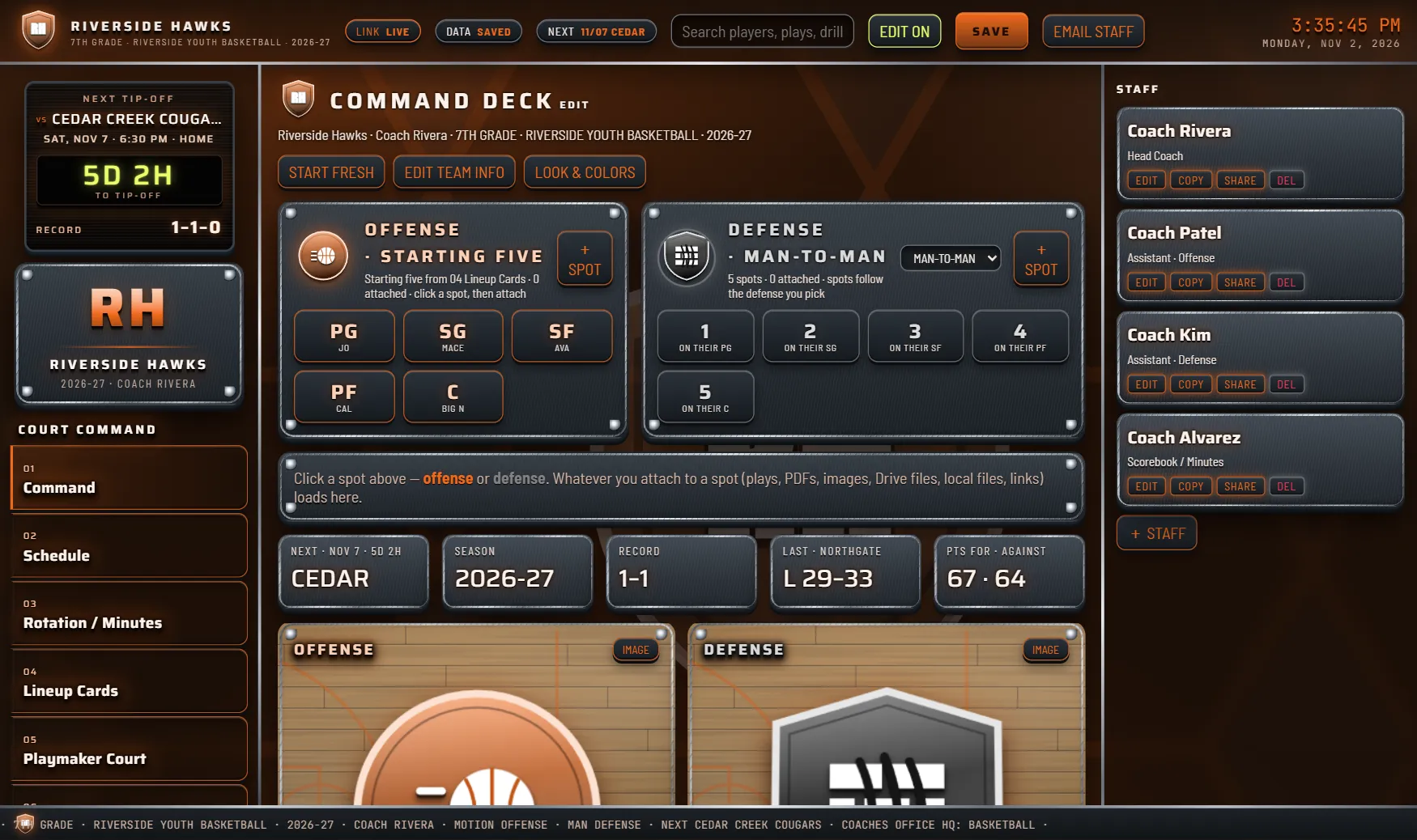
Tap a color: the whole app repaints. 12 presets plus your own custom colors.
What's inside
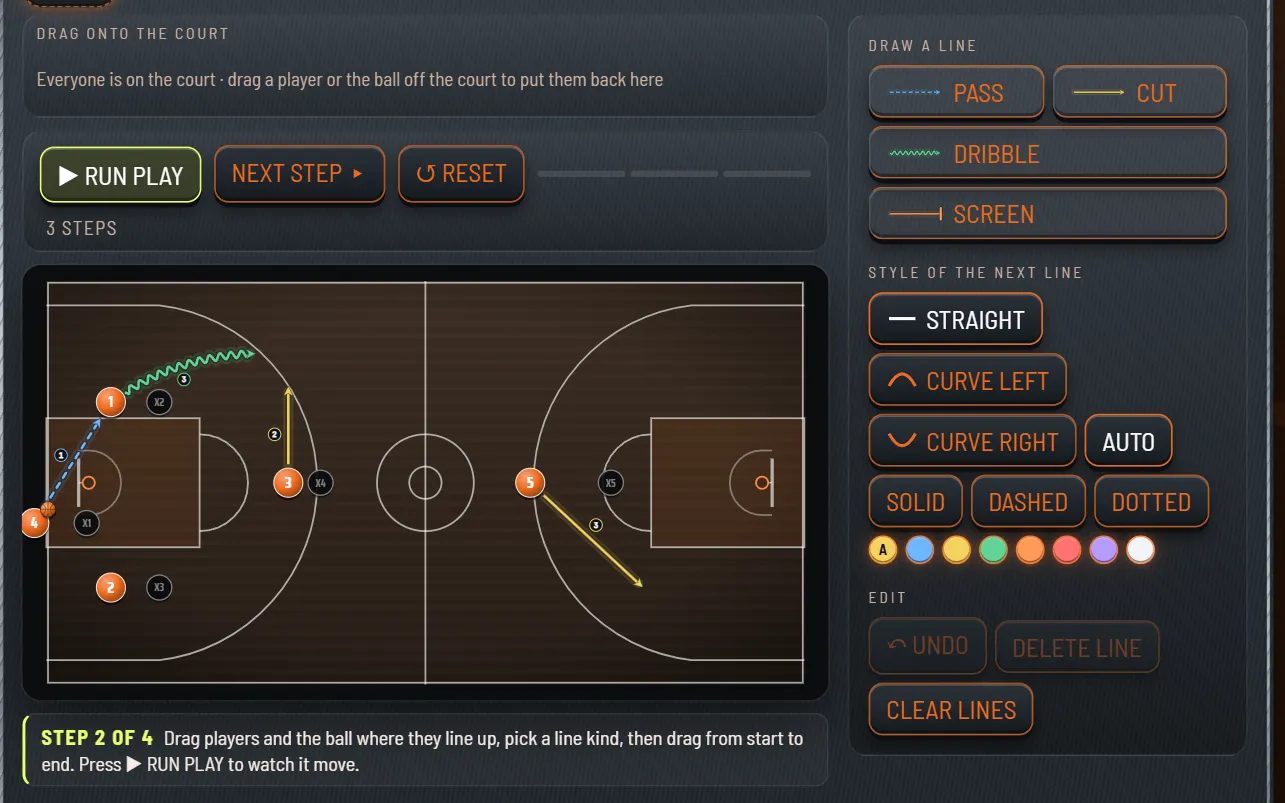
Pass, cut, dribble, screen
Draw each move as its own kind of line. Numbers on the lines show the order of the moves.
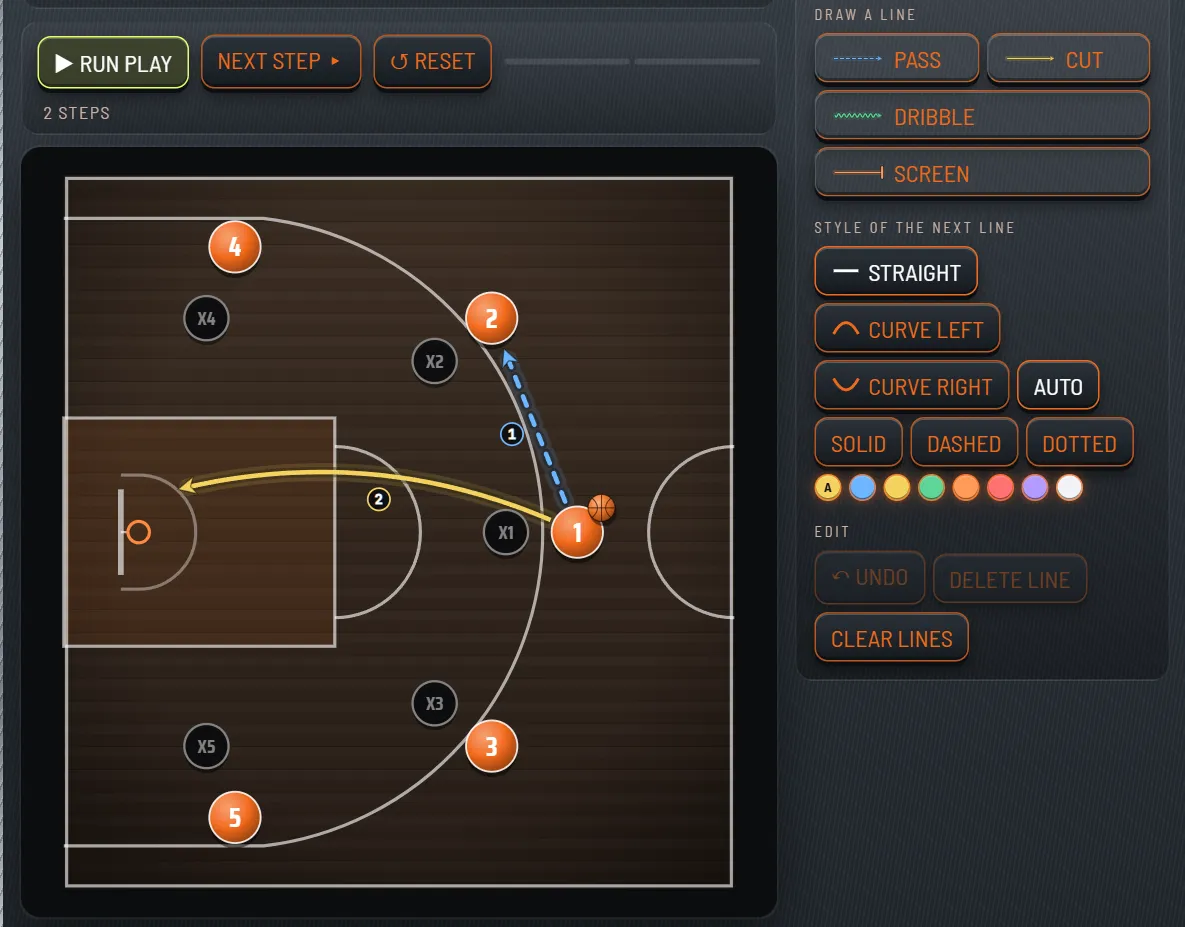
Half court and full court
Switch between them any time. Five example plays come with the app (3 half court, 2 full court), so you can start from one.

12 team color presets
One click repaints every screen and printout. Or set your own custom colors.
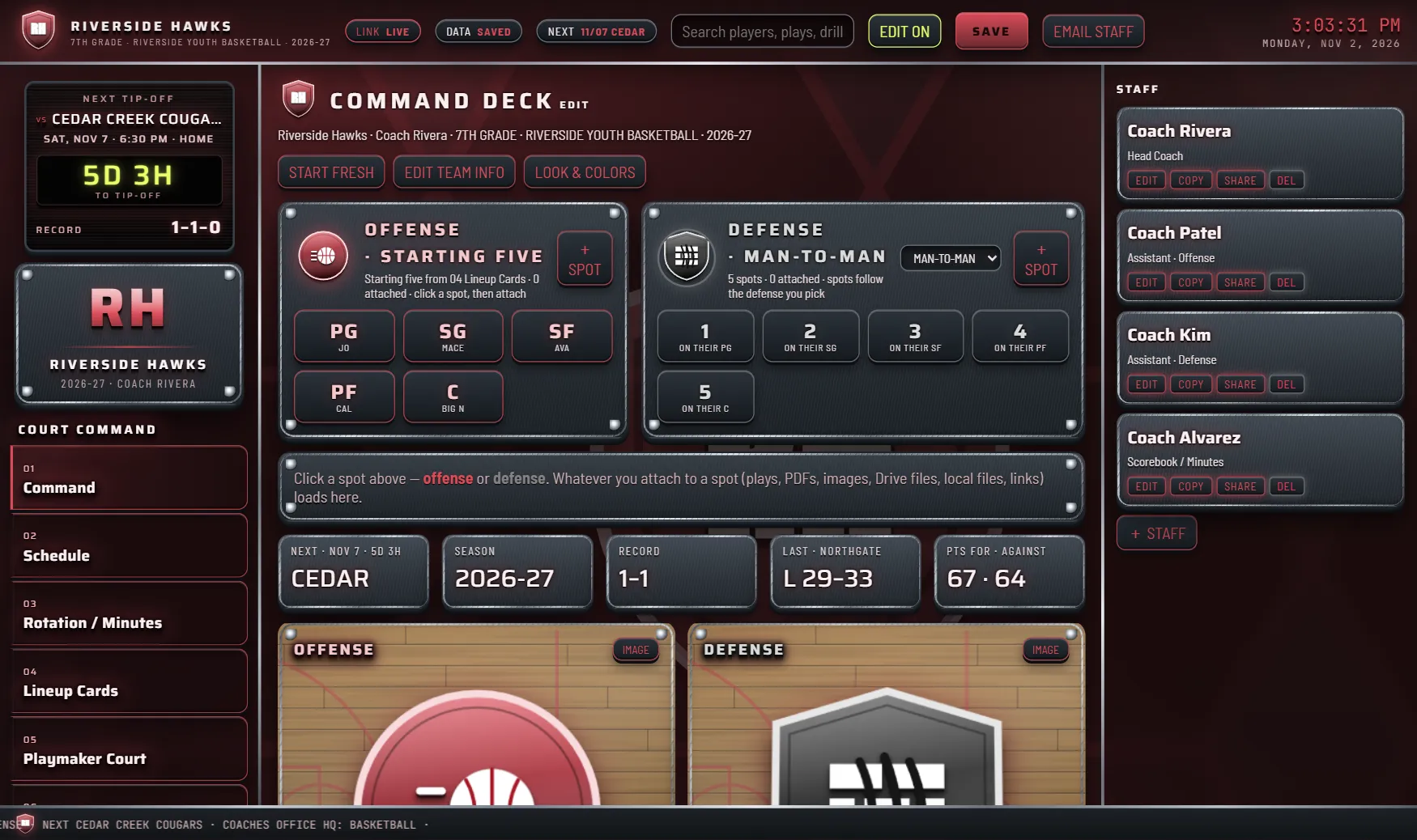
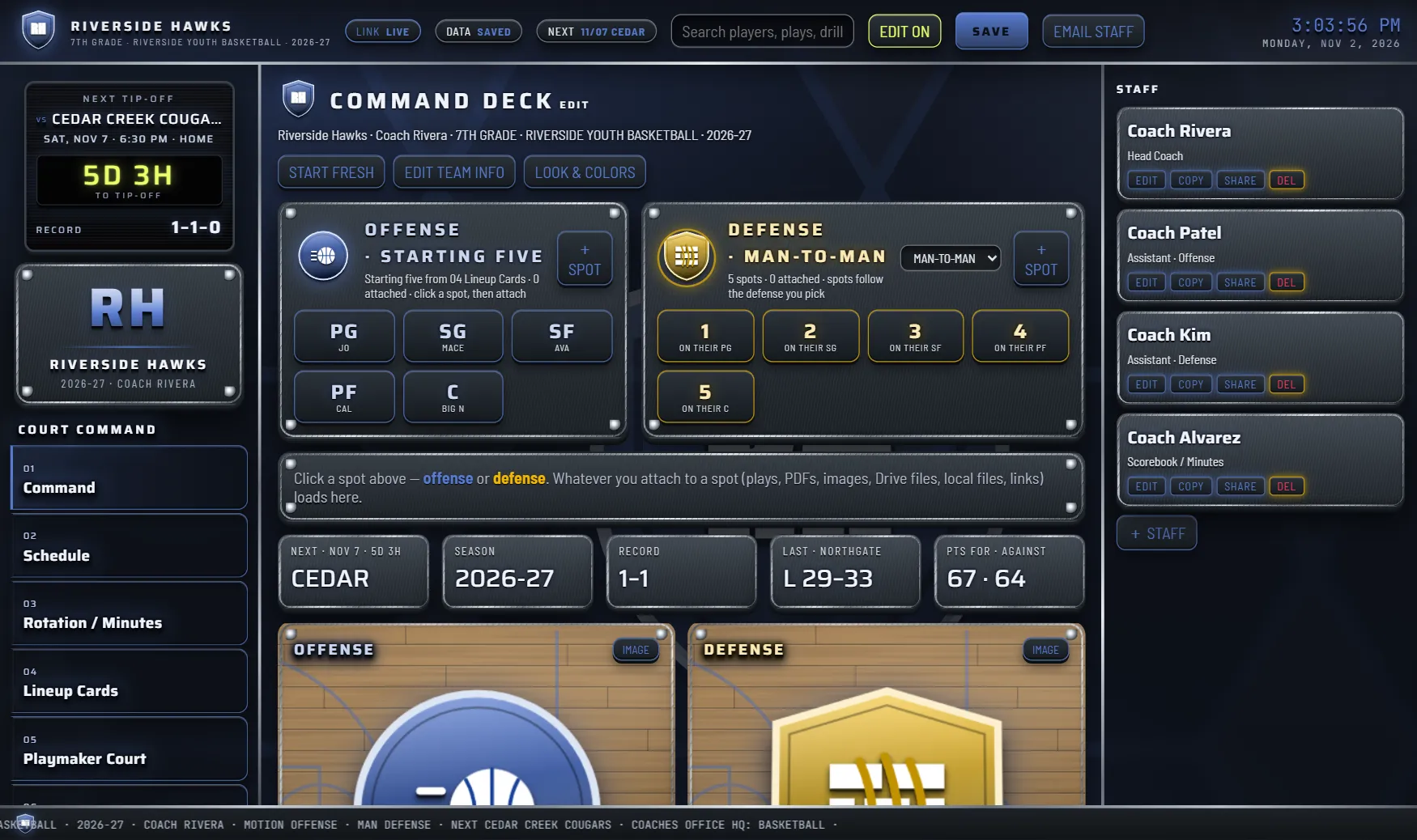
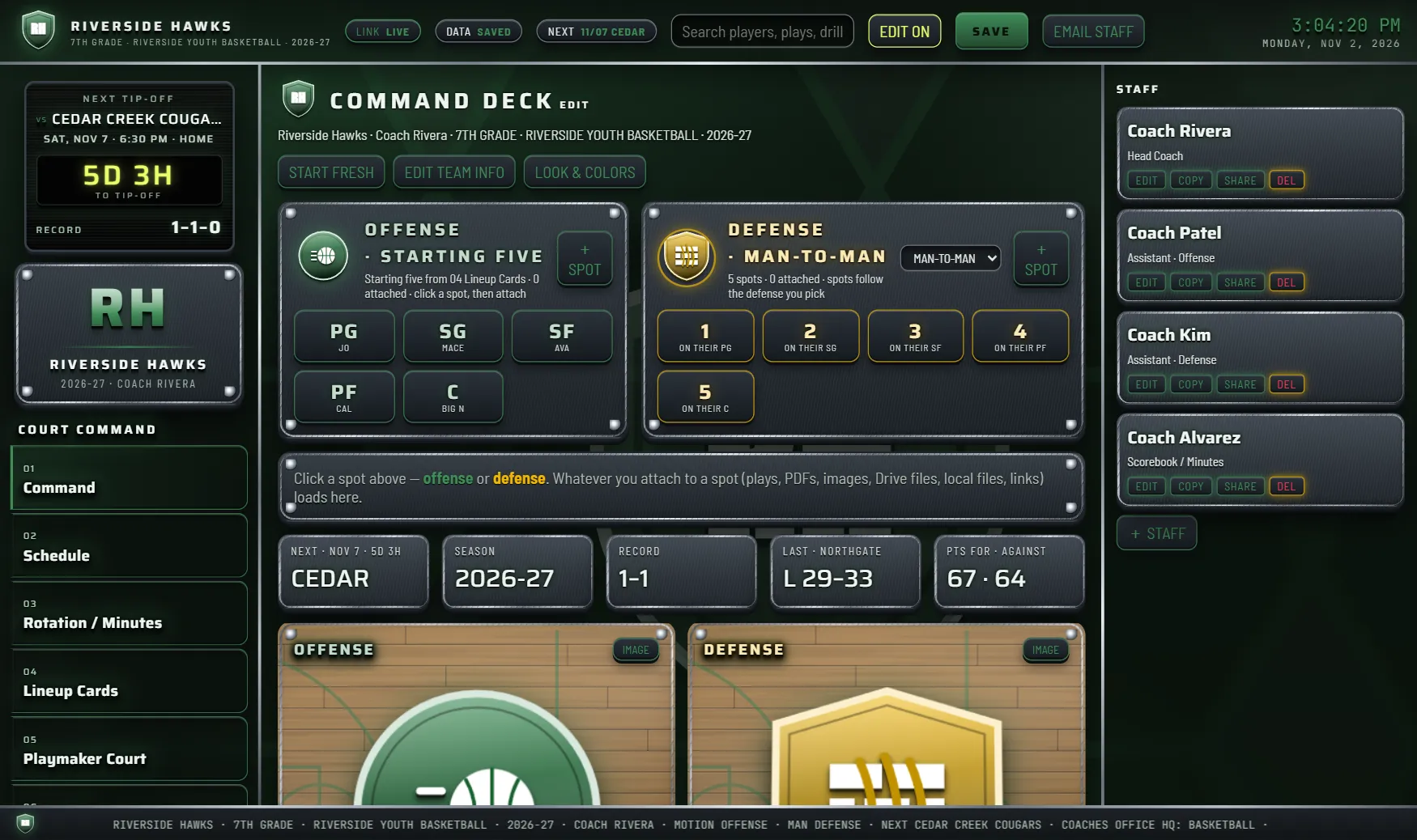
Two looks
Classic is a lit HUD in your full school colors. Tactical is matte titanium and camo with your colors muted.
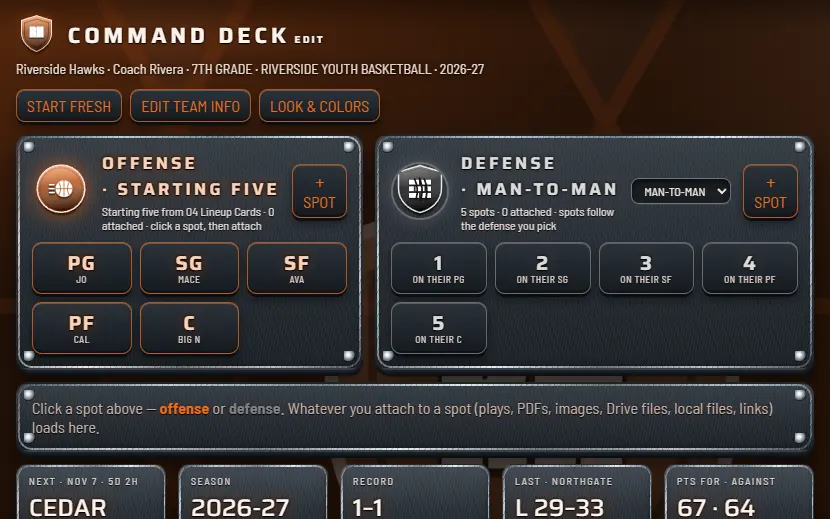 Classic
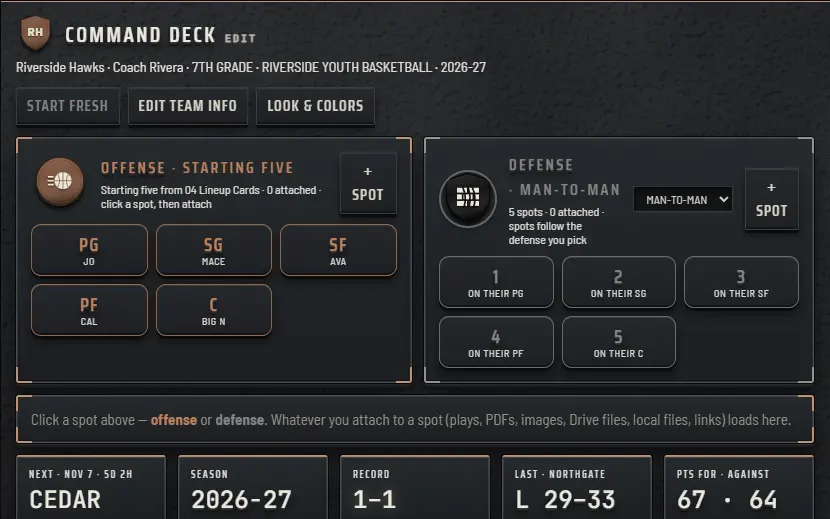 Tactical
Playmaker Court
Drag your five players and the ball onto a half court or a full court, then draw the passes, cuts, dribbles and screens. Press RUN PLAY and the players move in order, with the ball going to whoever has it.
Fix a step with EARLIER and LATER, undo as you go, then print one play or your whole playbook.
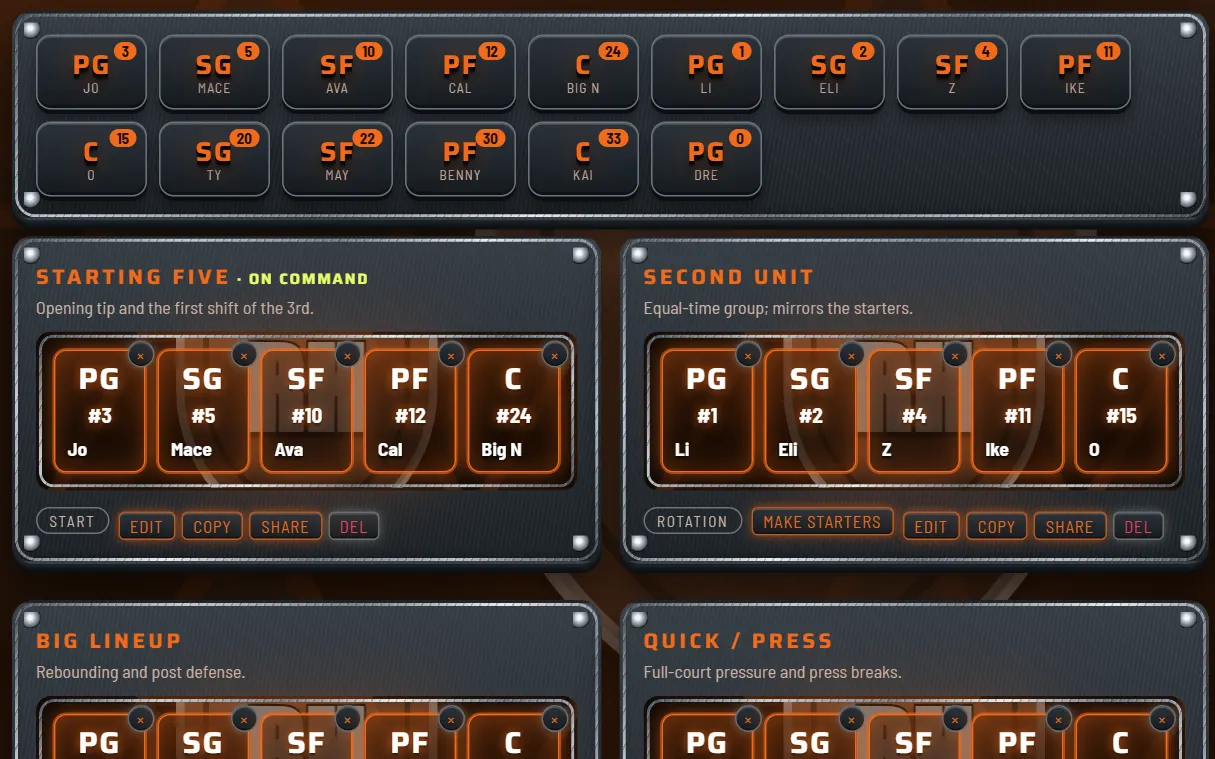
Lineup cards
Build your units at PG, SG, SF, PF and C. Drag a player onto a spot, or tap a player and then the spot. Card 1 is your starting five: it feeds the Command screen and the bench sheet.
Print the cards for the bench.
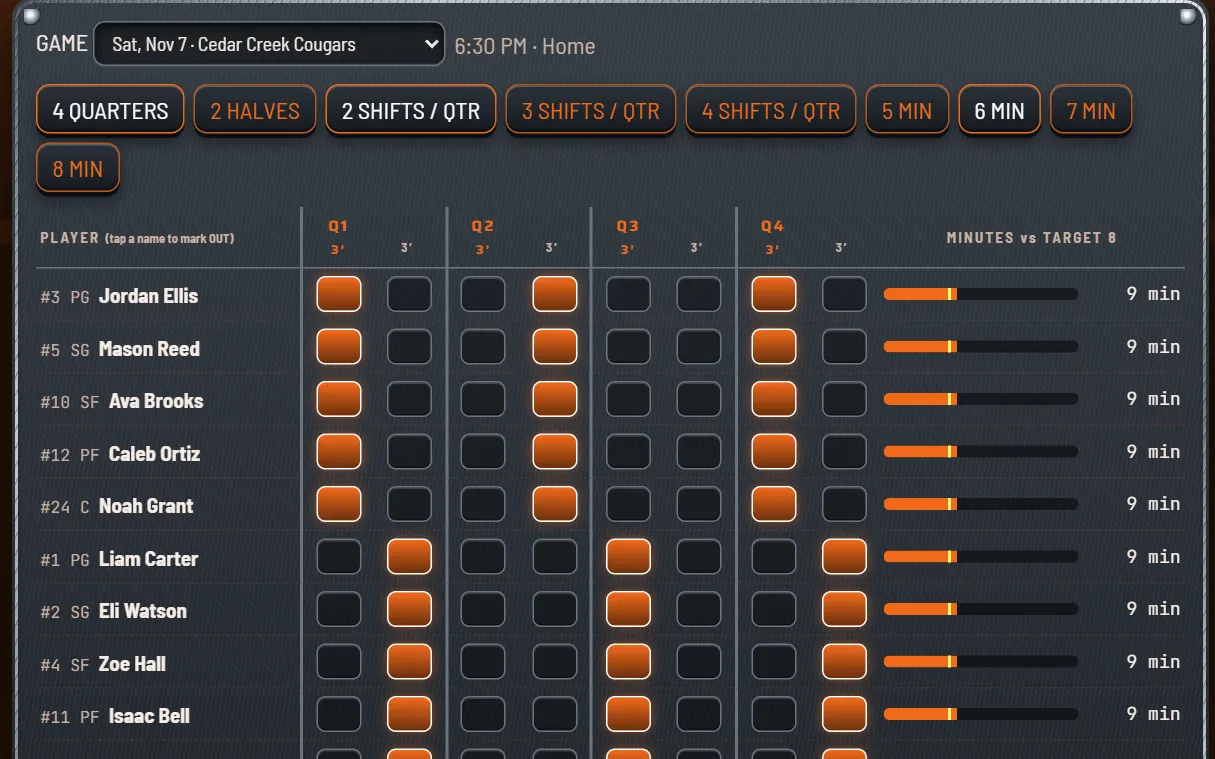
Minutes
Pick 4 quarters or 2 halves and how many shifts each one gets, then tap a box to put a player on the floor. AUTO-FILL EQUAL TIME fills it in for you, and bars show every player against the equal-time line.
Print the bench sheet.
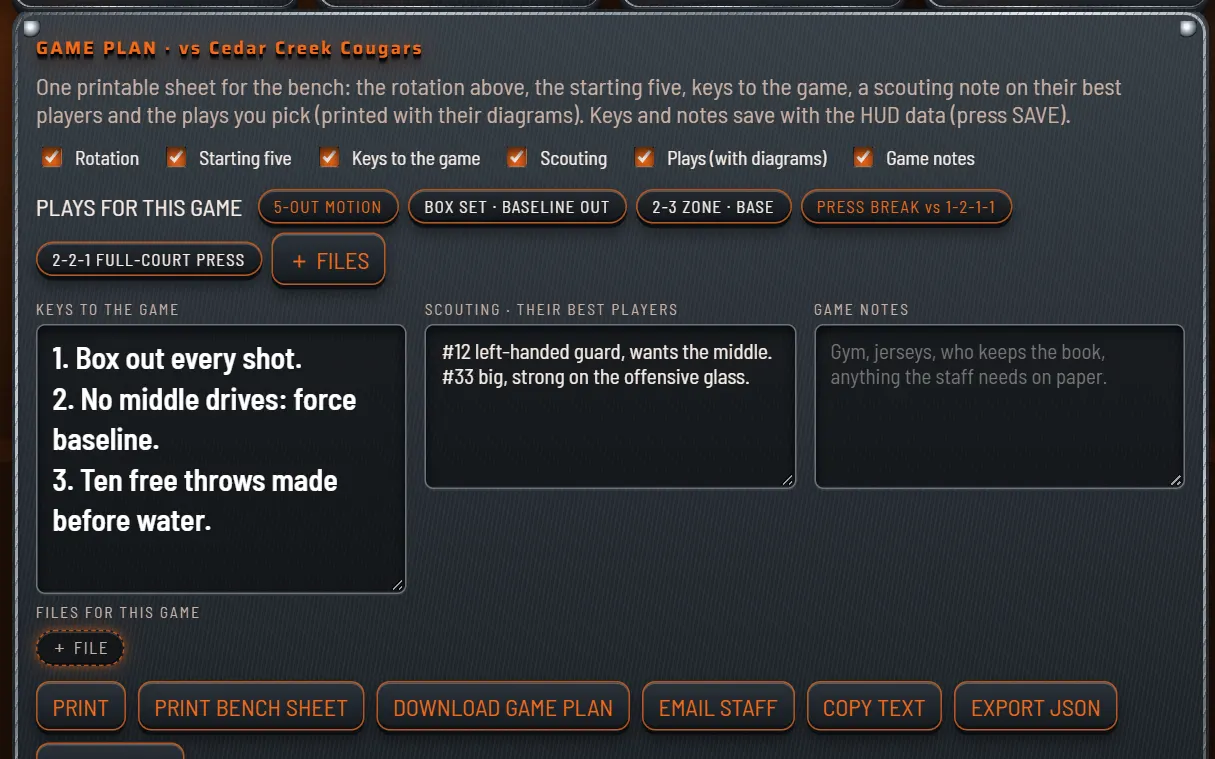
Game day
Choose what goes in: rotation, starting five, keys, scouting, plays with diagrams and game notes. Print it, download it, copy the text, or open an email to your staff.
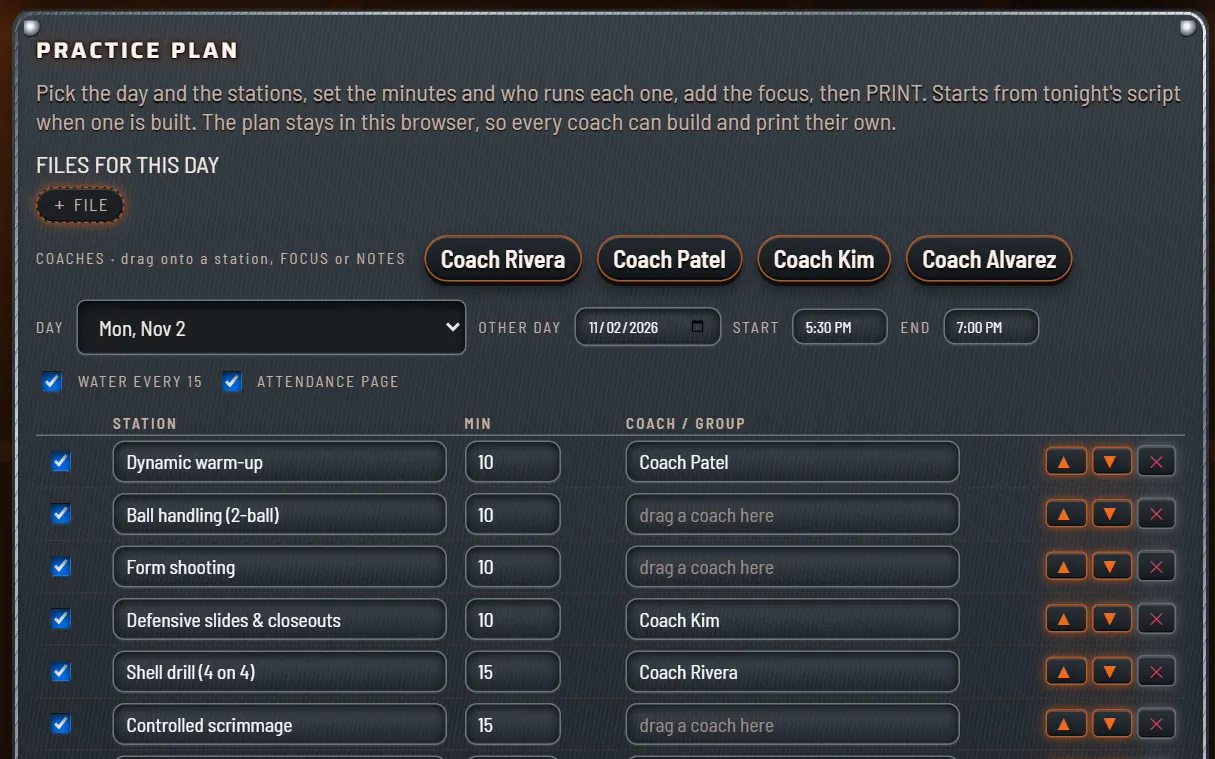
Practice
Drag stations into tonight's script, set the minutes and give each one a coach. Add a water break every 15 minutes, make the attendance page, then print the plan.
Season
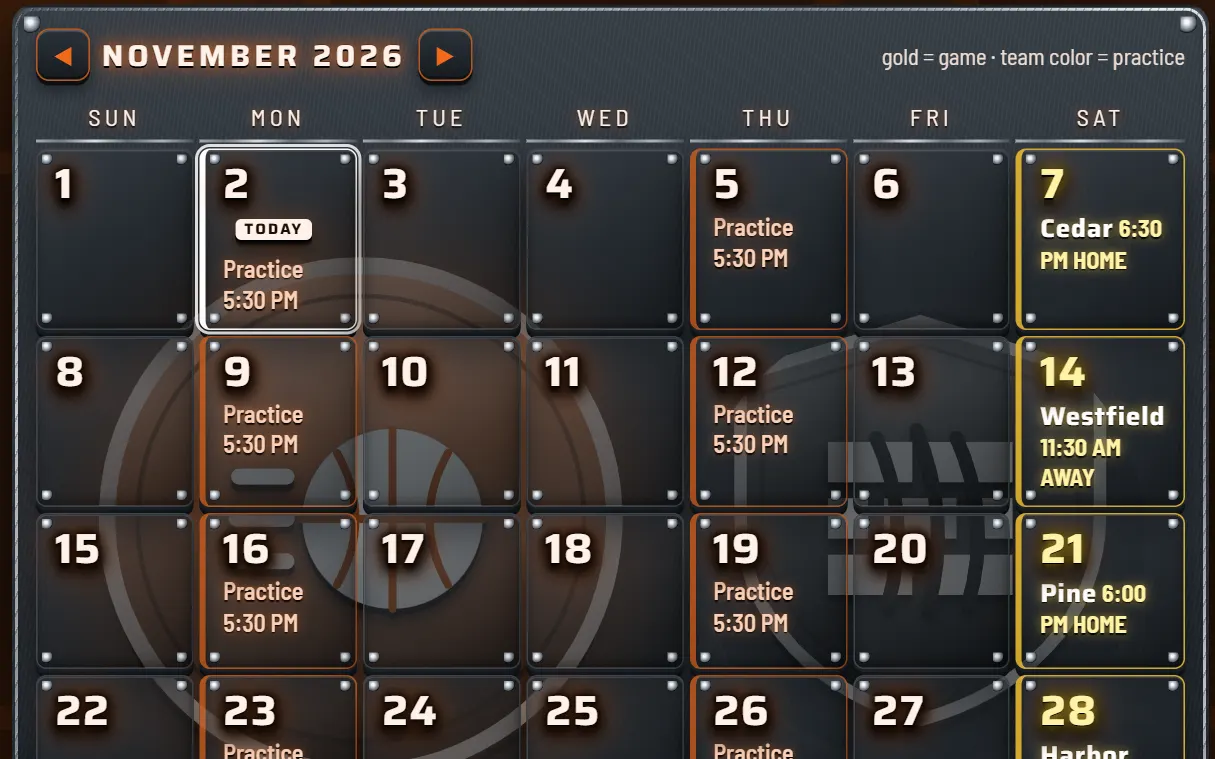
Games, practices and results on one calendar, with a countdown to the next tip-off. Print the calendar, download it or copy it as text, by month or for the whole season.
Two looks
A lit HUD in your full school colors, or matte titanium and camo with your colors muted. Switch any time.
What you get
Open your activation link, then Add to Home Screen on iPhone or iPad, or Install in Chrome or Edge on a computer.
Everything is kept on your own devices. No account. If you share a view link, a copy of your board (not your uploaded files) is kept for the link until you turn it off.
BACK UP EVERYTHING saves one file that moves your team to your phone or another computer.
Classic or Tactical, with 12 team color presets or colors you pick yourself.
Roster, staff, drills, league rules and your files.
Plays, lineup cards, the bench sheet, game plans, practice plans, rosters and the season calendar.
Questions
An iPhone, an iPad or a computer. Your activation link comes by email. Open it, then add the app to your home screen, or click Install in Chrome or Edge on a computer. It opens like an app. No app store, nothing to download.
Yes. On an iPhone or iPad, open your activation link in Safari, tap Share, then Add to Home Screen, and open the app from the new icon. It activates by itself and keeps working with no signal. Your team's data stays on each device, so use BACK UP EVERYTHING and RESTORE BACKUP in Library to bring it from your computer to your phone. Plays, game plans and practice plans print or save as a PDF right from the phone.
No. It's $19.99 once, plus sales tax where it applies. Nothing renews.
No account: your activation link is all you need. You need internet once to activate. After that the app works offline and checks in when you're online. It keeps working for up to 30 days without a connection.
On your own iPhone, iPad or computer, and we don't keep a copy. BACK UP EVERYTHING in Library saves one backup file, and RESTORE BACKUP moves your team to another device.
Yes, if you want one. Your order page and each activation email offer an optional offline file, one .html you double-click to open on Windows or Mac. It needs internet once to activate and counts as one of that coach's 2 devices.
Your $19.99 license covers 1 coach, who can use it on 2 devices. Share a free view-only link with as many coaches as you like: they see your plays, lineups, rotations and schedule and can print them, but can't edit. For a coach who edits too, add extra coaches for $5.99 each, at checkout or later from your order page. Each extra coach gets their own activation link and 2 devices.
Up to 15 on the roster. Your roster is printable.
An example team that comes with the app so you can look around. Press START FRESH to clear it and enter your own team. The example plays stay, so you still have something to start from.
Email us within 14 days for a full refund, no questions asked.
Basketball coaching command center for youth & high school teams.